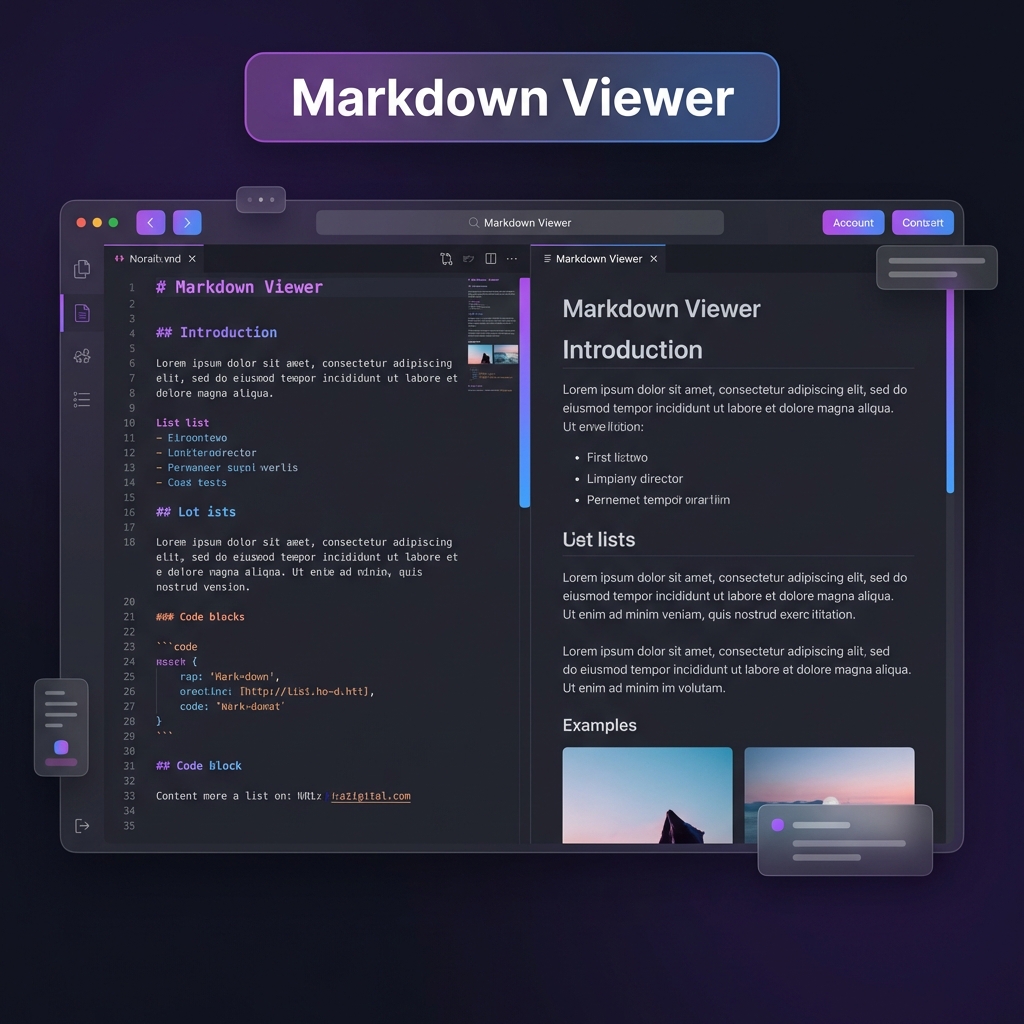
What is a Markdown Viewer?
A markdown viewer is an essential tool that allows you to write markdown syntax and
instantly see how it will be rendered as formatted HTML. Our free online markdown viewer provides
real-time preview, making it the perfect markdown editor for developers, technical writers,
bloggers, and content creators who need to create well-formatted documentation, README files, blog
posts, or any content using markdown syntax.
Markdown is a lightweight markup language that uses plain text formatting syntax. With our markdown
viewer, you can easily convert your markdown text into beautifully formatted documents without
learning complex HTML or CSS. Simply type your markdown on the left, and see the live preview on the
right instantly.
Markdown Viewer Features
Our markdown viewer is packed with powerful features that make writing and
previewing markdown effortless:
- Syntax Support: Full support for GitHub Flavored Markdown including headings,
emphasis, lists, links, images, code blocks, blockquotes, tables, and horizontal rules
- Formatting Toolbar: Quick-access buttons for common markdown formatting – no
need to remember syntax
- Live Statistics: Real-time word count, character count, and line count to track
your writing progress
- Export to HTML: Convert your markdown to clean HTML code that you can use
anywhere
- Download Markdown: Save your markdown as a .md file for later use or version
control
- Print to PDF: Export your formatted document as a PDF using your browser's
print function
- Markdown Cheatsheet: Built-in quick reference guide for all markdown syntax
- Dark/Light Theme: Choose between dark and light themes for comfortable viewing
- Responsive Design: Works perfectly on desktop, tablet, and mobile devices
- Local Storage: Your work is automatically saved and restored when you return
How to Use This Markdown Viewer
Using our online markdown viewer is incredibly simple:
- Start Typing: Click in the left editor panel and start typing your markdown.
Use the toolbar buttons for quick formatting or type markdown syntax directly.
- See Live Preview: Watch your markdown transform into formatted content in
real-time on the right preview panel.
- Format Your Content: Use markdown syntax for headings (#), bold (**text**),
italic (*text*), lists (- item), links [text](url), code blocks (```), and more.
- Export Your Work: When finished, export as HTML, download as markdown file, or
print to PDF using the toolbar buttons.
- Access Anytime: Your content is automatically saved, so you can close and
return anytime without losing your work.
Common Use Cases for Markdown Viewer
Our markdown editor and viewer is perfect for:
- GitHub README Files: Create professional README.md files for your GitHub
repositories with live preview
- Technical Documentation: Write clear, well-formatted documentation for your
projects and APIs
- Blog Posts: Draft blog posts in markdown format for platforms like Jekyll,
Hugo, or Ghost
- Note-Taking: Create organized notes with headings, lists, and formatting
- Content Writing: Write articles, tutorials, and guides with proper structure
and formatting
- Email Drafts: Compose formatted emails and convert to HTML
- Learning Markdown: Practice and learn markdown syntax with instant visual
feedback
Markdown Syntax Quick Reference
Here are the most commonly used markdown syntax patterns supported by our viewer:
| Element |
Markdown Syntax |
Example |
| Heading |
# H1 ## H2 ### H3 |
# Large Heading |
| Bold |
**text** |
**bold text** |
| Italic |
*text* |
*italic text* |
| Link |
[title](url) |
[Google](https://google.com) |
| Image |
 |
 |
| Code |
`code` |
`console.log()` |
| List |
- item |
- First item |